Enterprise
Your organization's dashboards, simulators and internal tools, on your own servers.
Connect DatumHue to your sign-in, files and databases. Then your teams write apps in Lua, publish them once, and everyone can open them in the workstation app or a browser tab.
From $299/month, or $2,990/year Two months free
For 10 concurrent seats, 1 meeting point and 6 services, with every release while you subscribe.
- A seat
- One open workstation app, browser tab or background job, not one person
- Workstations
- Windows, macOS (Apple Silicon), Linux or a browser
- Servers
- Yours, on Linux
Why it suits an organization
Connect your systems once, then add apps whenever you like
From the first day
- Your single sign-on. People sign in with the account they already have, so there's no second user list to keep. Your groups decide who can open each folder, database, web service and webhook channel. Which ones work
- The network you already have. Only the meeting point needs an address people can reach. Your services run next to your data and connect out to it. Workstations and browser tabs reach a service directly where the network allows. Otherwise they go through the meeting point, which passes the traffic along without being able to read it.
- Nothing to install for most people. A browser tab is enough.
- Only license renewal reaches us. Your content and personal data never do. What leaves your network
As you add apps
- A new app needs no server work. Anyone you allow publishes it to your app catalog, and it's there for everyone right away.
- Connect each data source once. After that, any app that needs that folder, database or web service can use it, for the groups you allow.
- No charge per app. The license counts seats, meeting points and services, never apps, folders or databases.
- Every release included. You get each one while you subscribe, and you choose when to update.
What teams build
Written in Lua, run on your data
Dashboards on your own data
Charts that query your PostgreSQL database or your Parquet files where they are, in SQL. Nobody exports a copy first.
Operations displays
A control panel on one desk drives a wall display on another. Shared live data keeps every screen in step.
Training simulators
3D scenes built from glTF models, with 2D and 3D physics and sound. A trainee starts one from a link in the browser.
Internal tools
Forms, tables and buttons that work with your own data and your internal web services.
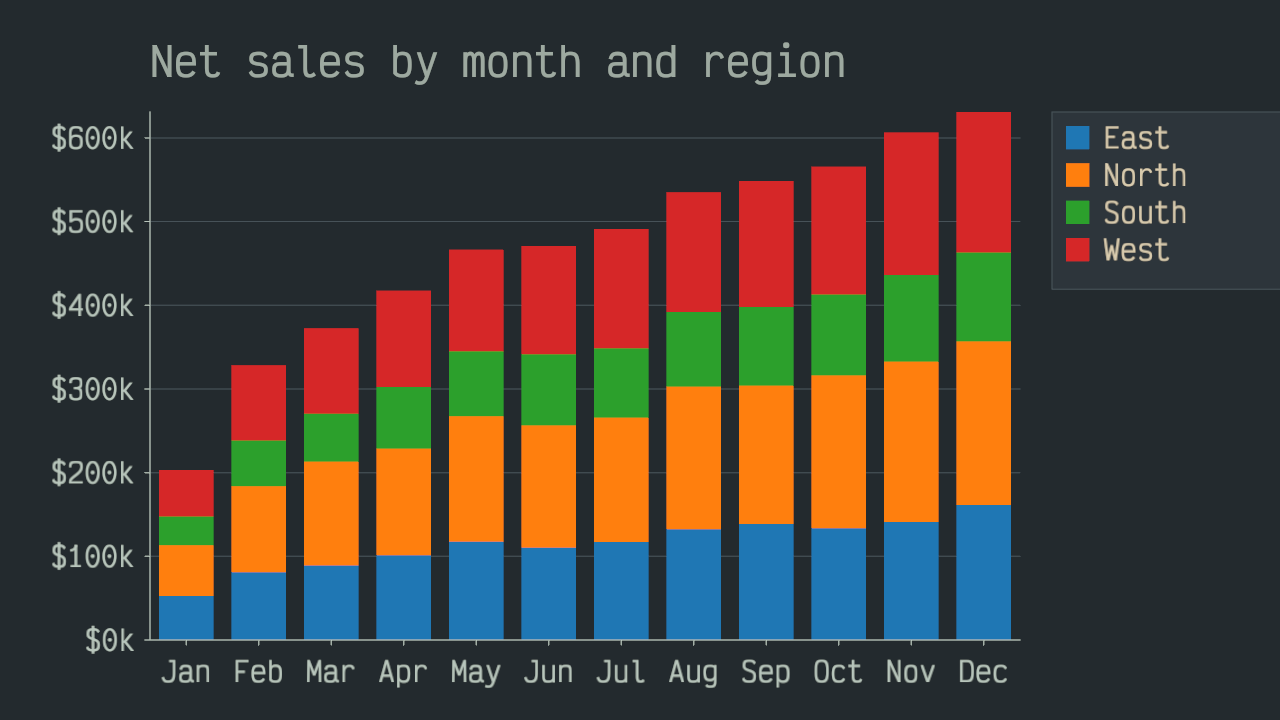
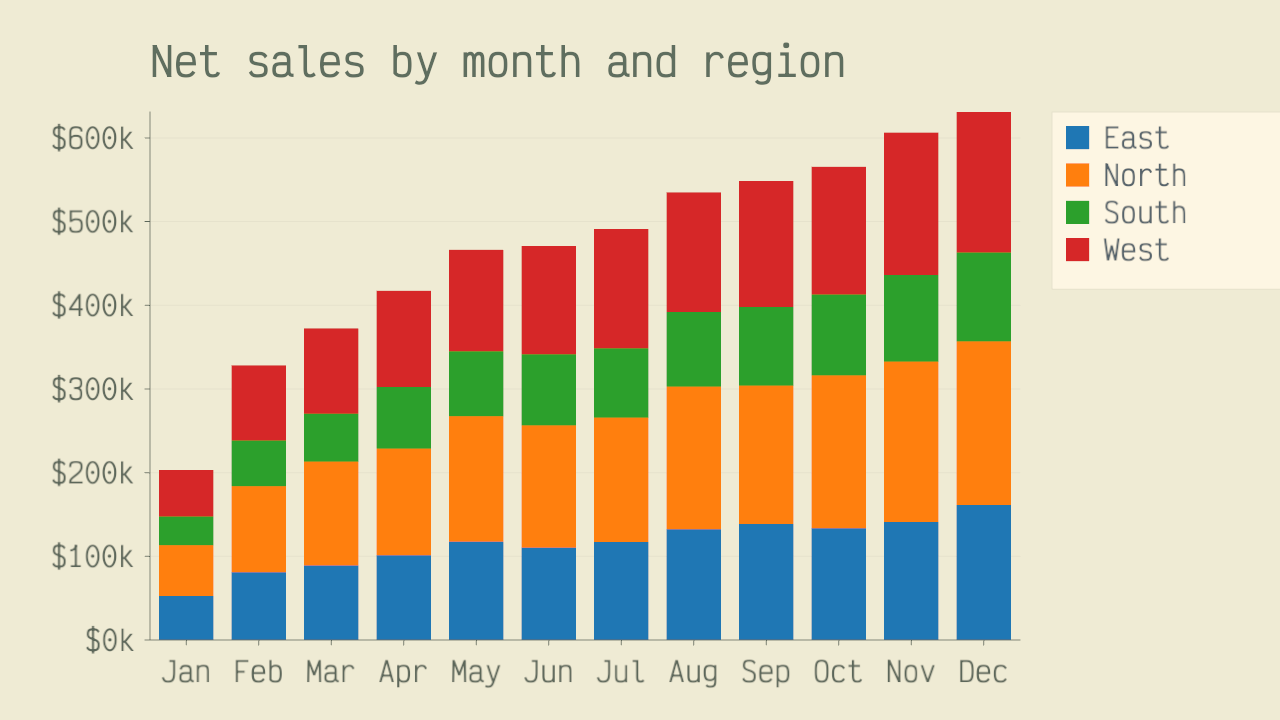
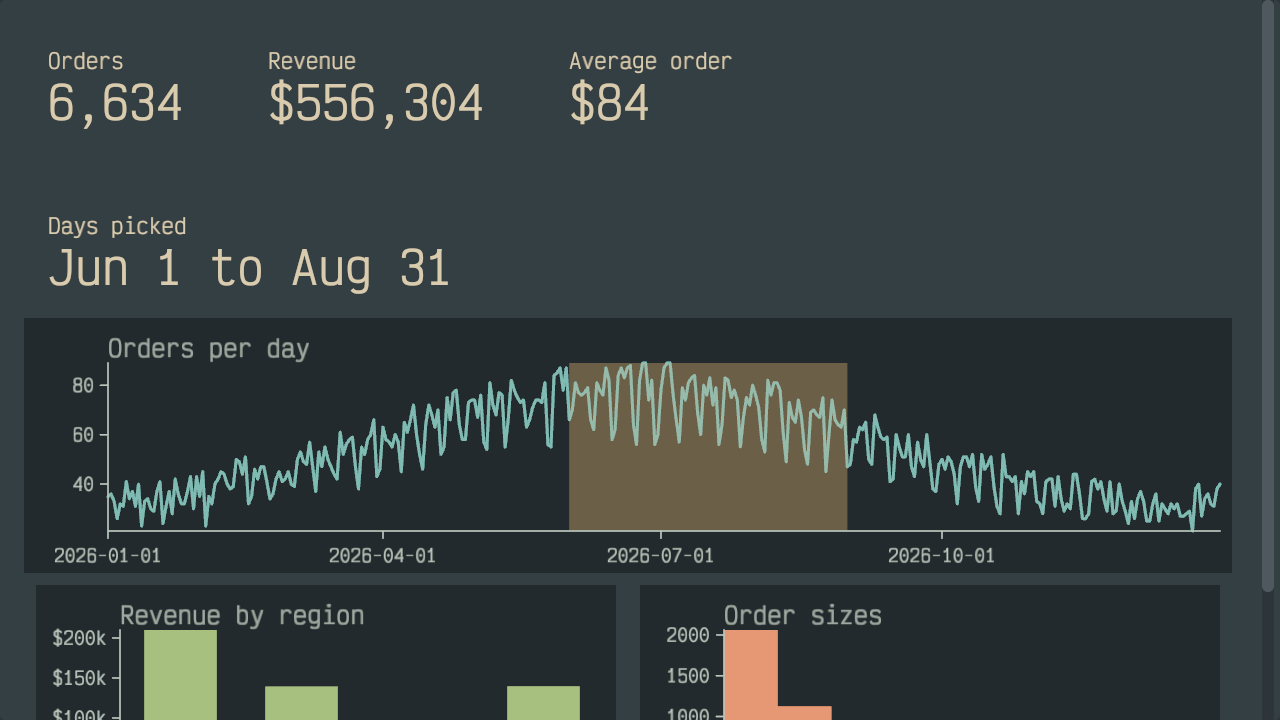
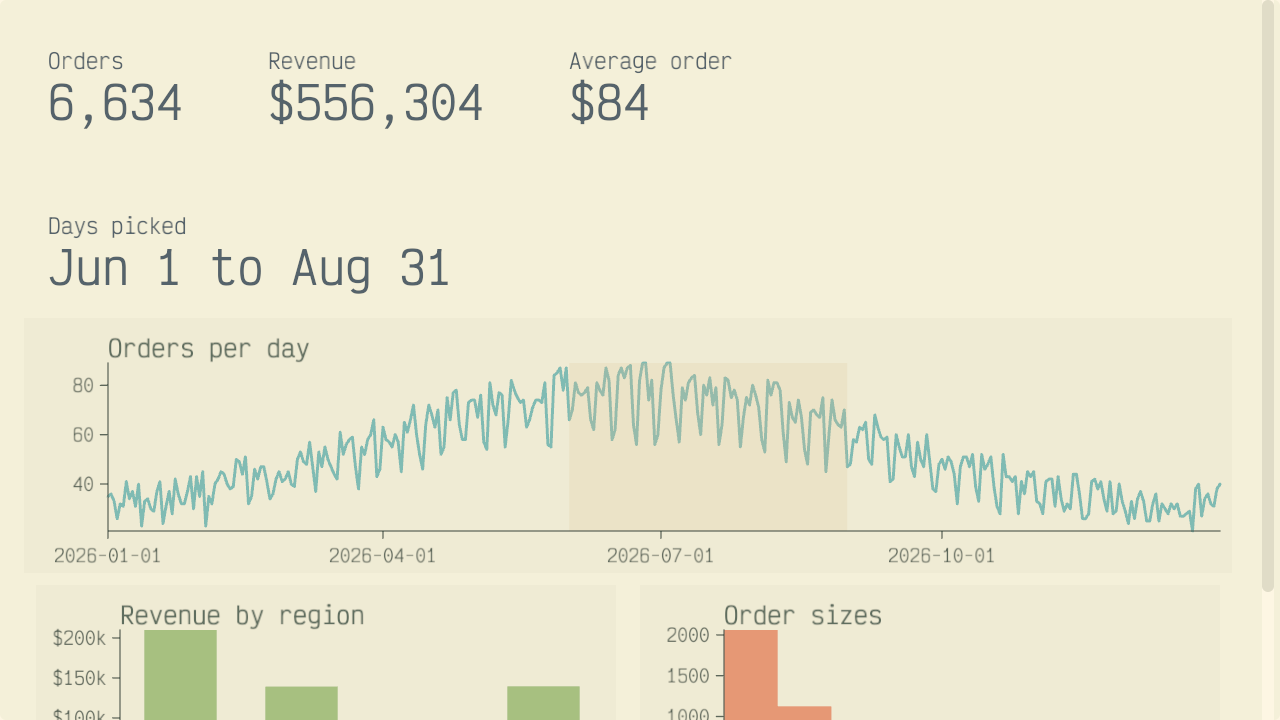


Your developers write the apps in their own editor. The workstation app gives them breakpoints, tests with branch coverage and a profiler. Everything the Lua API covers
What you run
Every DatumHue server is yours
Inside the dashed line is your network: the meeting point, every service, and the people who use them.
Sign-in
Lets people sign in with your single sign-on. If you connect more than one, people choose theirs by name.
App catalog
Your teams publish apps to your own catalog. Only the people you allow can publish, and a published version never changes under anyone's feet.
Files
Shares a folder on your server. The groups you allow open it from the workstation app or a browser tab. If you allow writes, they can save back to it.
Parquet data
Point it at a folder of Parquet files. Apps query one file, or the whole folder as a single table, with SQL.
Databases
PostgreSQL is documented and tested. Another SQL database needs its ADBC driver, which you install on the server. The FAQ has the details. Apps query it with SQL, the same way as Parquet data. Each group gets read or read-write access, as you choose. For a read-only group, the database itself refuses writes.
Web services
Apps reach only the web services you name, inside your network or outside it. This service, not the app, attaches the keys, so apps never see them.
Webhooks
Events from your other systems arrive signed and schema-checked. Only the people you allow can read them.
Your meeting point holds your license and serves the browser version. You can run each service on the meeting point's server or next to your data. One service can serve any number of folders or databases.
A typical deployment runs four services: sign-in, app catalog, files, and a database or Parquet data. If you run a second copy of a service for redundancy, that copy counts as one more service.
Security and operations
How it stays secure, and how you run it
No claim on your data
Your data and the apps you write are yours. We take no license to any of it.
Closed until you open it
A folder, database, web service or webhook channel without rules isn't served at all. To open one to every workstation in your deployment, write a rule that says so.
Every access logged
Every service logs each access it allows or refuses, naming the person. Sign-in tokens never reach apps, and they're never logged.
Parts lists and security reports
Every download lists its components and their licenses in an SBOM, a software bill of materials. Report a vulnerability to security@datumhue.com. Fixes ship as regular releases.
Deploy from one file
Describe your deployment in one file. The deploy tool turns it into a ready-to-install bundle for each host.
More than one meeting point
Run several, at different sites if you like. Workstations at every site can find a service that runs at any one of them. If a meeting point goes down, the workstation app moves to another one on its own.
Read the security model (opens datumhue.dev)What DatumHue is built on
Pricing
Configure & buy
Start from the base license and add what you need. You can change the size any time.
What two deployments cost
40 people at one site, at most 15 of them with DatumHue open at once, in one app or tab each
Base + 5 extra seats
$444/month or $4,440/year
2 sites, at most 25 seats in use at once, and 8 services: sign-in, app catalog, files and a database, each running twice
Base + 15 extra seats + 1 extra meeting point + 2 extra services
$871/month or $8,710/year
Manage an existing license
- Change the size
Confirm with a code we email to your billing contact. An increase is charged right away, prorated. A decrease applies from the next period.
- Billing or cancel (opens billing.stripe.com)
Update your payment method and get your invoices. A canceled subscription runs to the end of the period you've paid for.
- Resume a lapsed subscription
Bring your license file, and your deployment picks up where it left off.
- Re-send a license file
Enter your billing email, and we send it every current license again.
FAQ
Questions from IT and procurement
Anything else? Write to support@datumhue.com.
What's included, and what do we build?
You get five things:
- The workstation, as an app and in the browser
- The meeting point
- Every kind of service
- The deploy tool
- Every manual, including the full Lua API reference
Your developers write the apps in Lua, including the start screen people see when they open DatumHue, and publish them to your app catalog. Or have them built for you, under a separate agreement. Request consulting
Can we try it before we buy?
You can do a lot before you buy:
- Read the operator manual (opens datumhue.dev) and the app author's guide and Lua reference (opens datumhue.dev) online.
- Build your apps' charts, 3D and interface in the free workstation app, with local CSV or Parquet copies of your data. It needs a connection to datumhue.app.
- Get the deploy tool from our releases page (opens github.com). It builds every host's bundle before you have a license, and each bundle carries the operator manual.
Sign-in, shared live data and your databases need your own deployment. To try those, the shortest pilot is one month of the base license, and you can cancel any time.
What leaves our network?
Three things:
- License renewal. It carries only what identifies your license, so no data processing agreement is needed.
- Traffic to the outside web services you connect.
- Sign-in, if your single sign-on runs in the cloud.
No outbound internet? Renew offline from another Linux x86-64 machine that can reach us. For a site with no connection at all, write to support@datumhue.com about renewal.
Which single sign-on works?
Any single sign-on that speaks OpenID Connect, such as Keycloak, Okta, Microsoft Entra ID or Google. For Active Directory, put Keycloak in front of it.
Which databases work?
PostgreSQL is documented and tested. For another SQL database, install its ADBC driver on the server. Not sure your database has one? Ask support@datumhue.com.
Access is set per data source, so give each audience a data source of its own.
How do we remove someone's access?
Remove them from the group in your single sign-on. Their access to your folders, databases and web services ends the next time their sign-in renews, on the schedule your single sign-on sets.
When someone leaves, there's one more step. Your deployment also has a shared access key, which every workstation app and browser tab uses to connect. That key still gets them a seat, your app catalog, and the live data and messages your apps share. So make a new key with the deploy tool and install it on every meeting point.
Installing the new key ends every session on the old one within seconds, including everyone else's, so pick a quiet time. Then give the people who stay the new key, and browser users the new access link.
What do we need to run it?
Linux x86-64 servers, with systemd or Docker Compose.
Only the meeting point, and the webhook receiver if you run one, accept connections. Every other service only connects out.
Browser seats need a certificate your computers trust. That can be a public one, or your own certificate authority installed on them.
What each host needs, in the operator manual (opens datumhue.dev)
How do updates work?
You choose when to update. Servers and workstation apps move to a new release together. A workstation app still on the old release can't connect until it's updated. Browser tabs pick up the new release from your server.
Run staging and production as separate deployments, each with its own subscription. The Lua API can change between releases, and every release lists what changed.
What support is included?
Report problems on our public issue list (opens github.com), or write to support@datumhue.com for anything private.
The software is warranted to match its manuals. We also defend you against third-party intellectual property claims over it.
Can we build apps for the public?
Enterprise is for your organization's own people. To reach the public, publish your app on datumhue.app with a publishing subscription.
How do we pay?
You pay at a checkout hosted by Stripe. It asks for your company name, billing address and VAT ID. Yearly plans get a reminder at least 30 days before renewal. Changing the size or canceling
Start from the base license
$299/month or $2,990/year for 10 concurrent seats, 1 meeting point, 6 services. Change the size any time.
Want installation help, training, or your start screen and apps built for you? Those come under a separate agreement. Request consulting