Make games and apps in Lua, and publish them
One Lua API covers 2D and 3D, charts and data, physics, sound, interface and online play, and every app runs in its own sandbox. The tools to test, debug and profile come with it, and publishing on datumhue.app lets anyone open your work in a browser.
Your first picture
Your first picture takes three lines
Here is the whole program, and what it draws.
local canvas = datumhue.draw.new({ width = 1280, height = 720 })
canvas:mount({ width = "100%", height = "100%", fit = "contain" })
canvas:circle({ radius = 240, color = datumhue.color("#e69875") })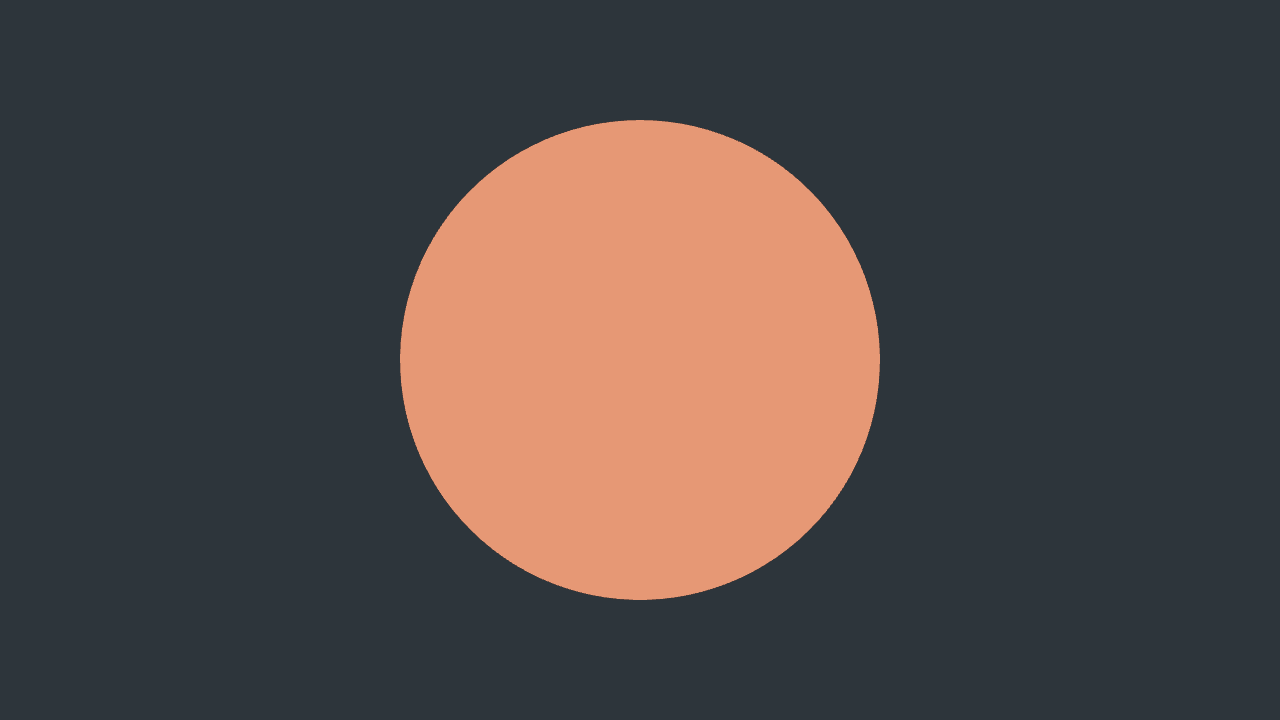

- Write. Save these lines as
hello.luain any editor. - Run. In a terminal, type the DatumHue program's name, then
run --watch hello.lua. The picture opens. Get started has the exact command for your system. - Change. Edit a number and save. The picture redraws.
What you can make
From heatmaps to voxel islands, in one API
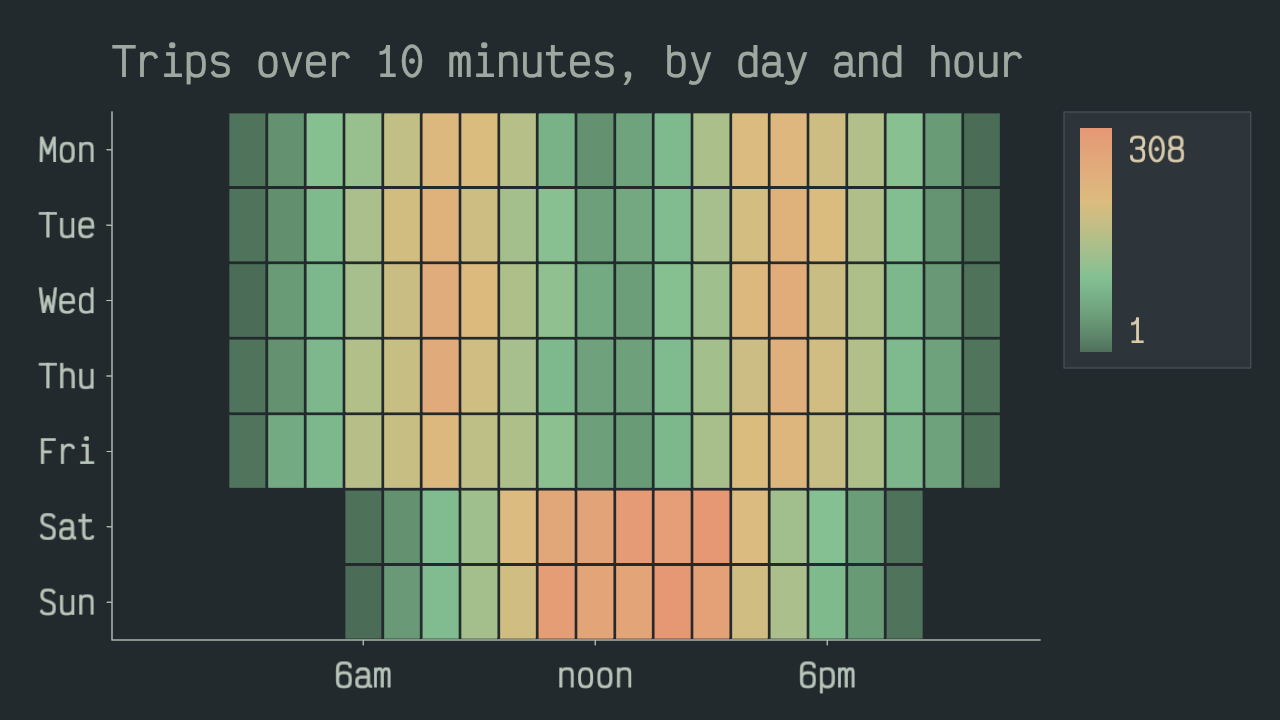
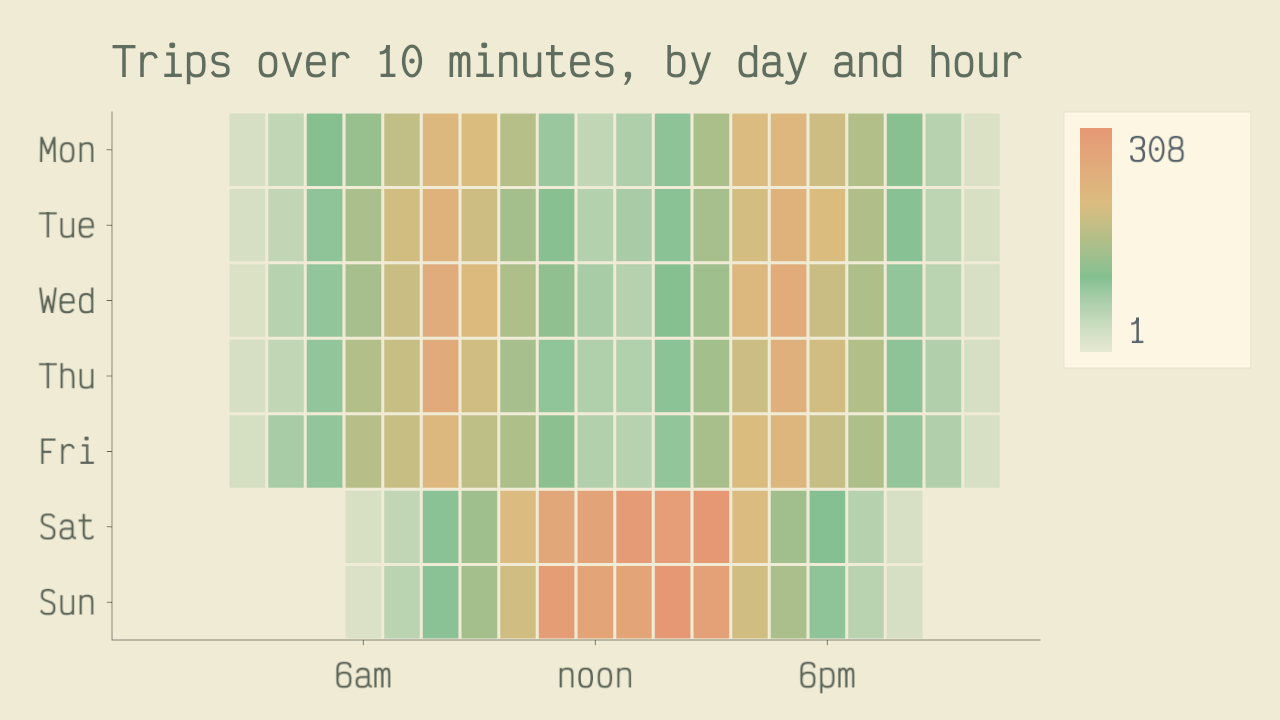
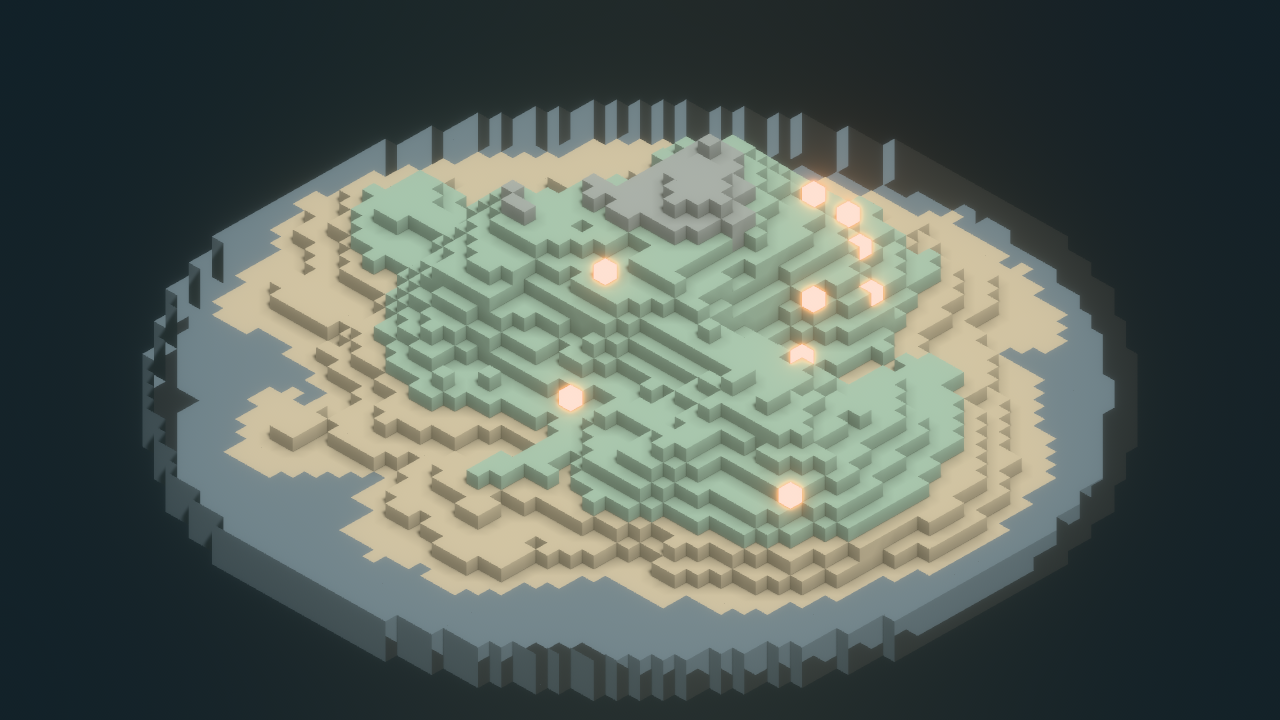
Every picture is one of the example programs on the home page, drawn by the Lua you can read there.
Charts & data
Query and join CSV and Parquet files, even whole folders, with SQL. Save results in either format. Draw heatmaps, box plots, bubbles and stacked bars on log or time scales. Pan, zoom, drag to filter, and split one chart into a grid of small charts.
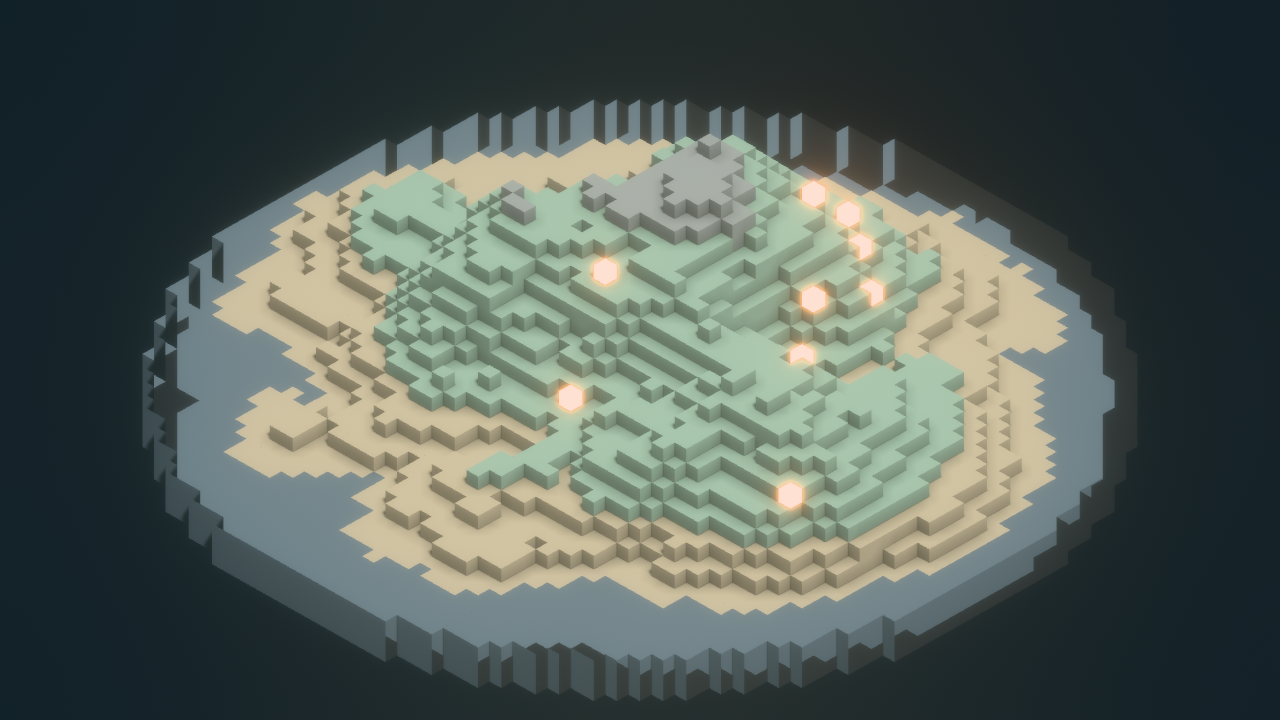
Voxels
Build editable voxel volumes, or large worlds that load chunk by chunk. Blocks can be see-through or glow, and a glowing block lights the cells around it. Raise terrain from noise or an image, bake in sunlight, and add physics colliders that follow every edit.

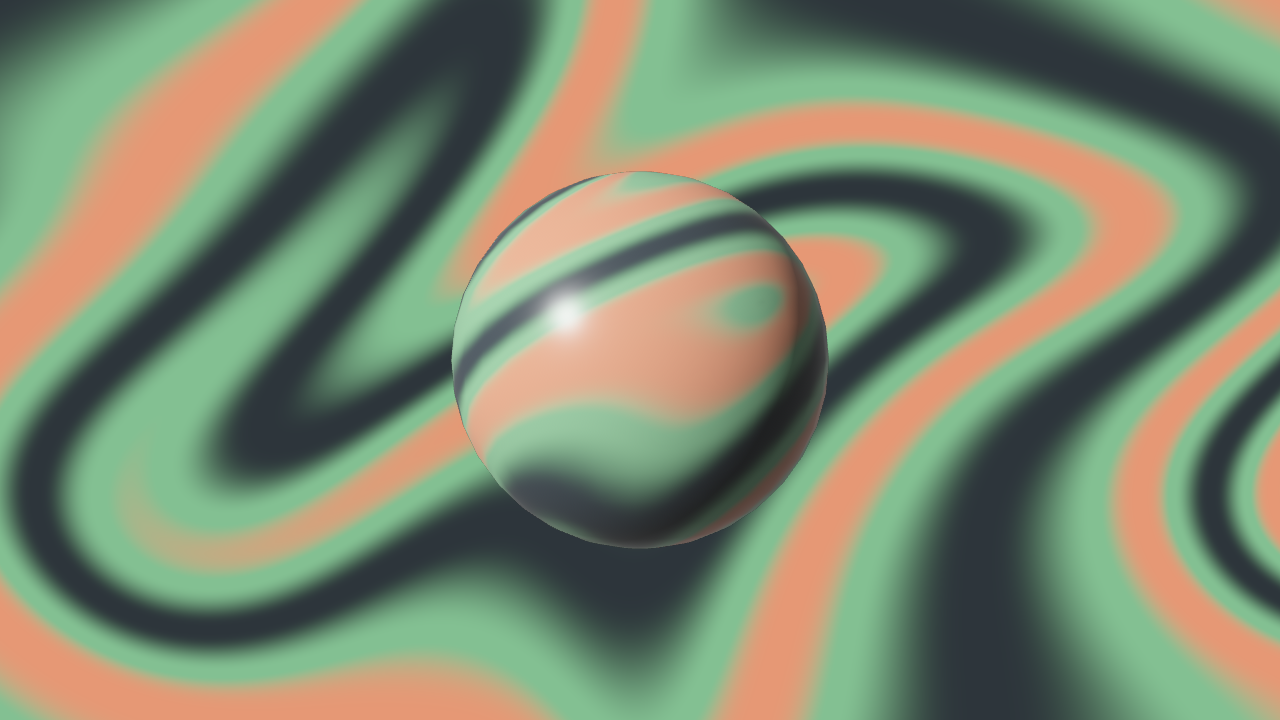
Shaders
Write fragment shaders in WGSL, the WebGPU shading language, for panels, shapes, 3D meshes, voxels or the whole scene. Feed in your values and up to four textures, even a live scene. They reload live, keeping the last good version if a new one fails.
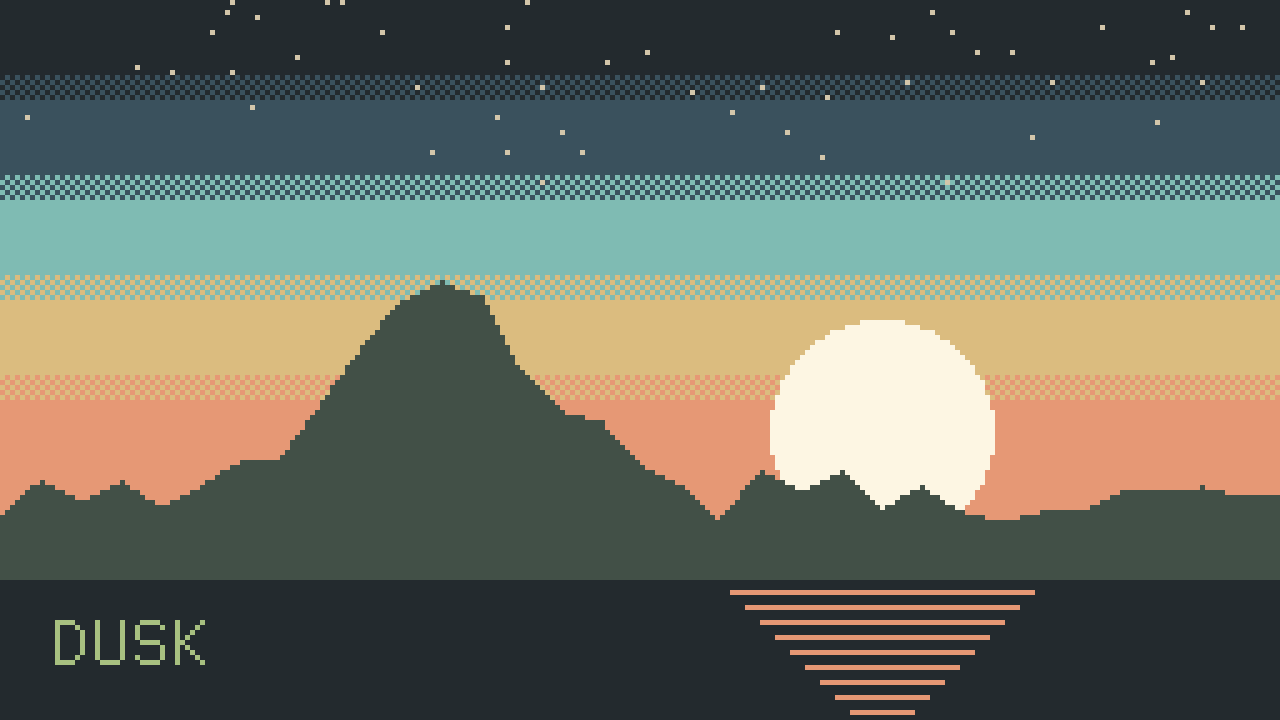
Pixels and 2D drawing
Paint on your own canvas, pixel by pixel. Fill shapes, dither with fill patterns, print in a bitmap font, then scale it up crisp. Or, instead of pixels, draw shapes, paths, text, sprites, animated sprite sheets and tilemaps, and move and restyle them every frame.
A kit for games
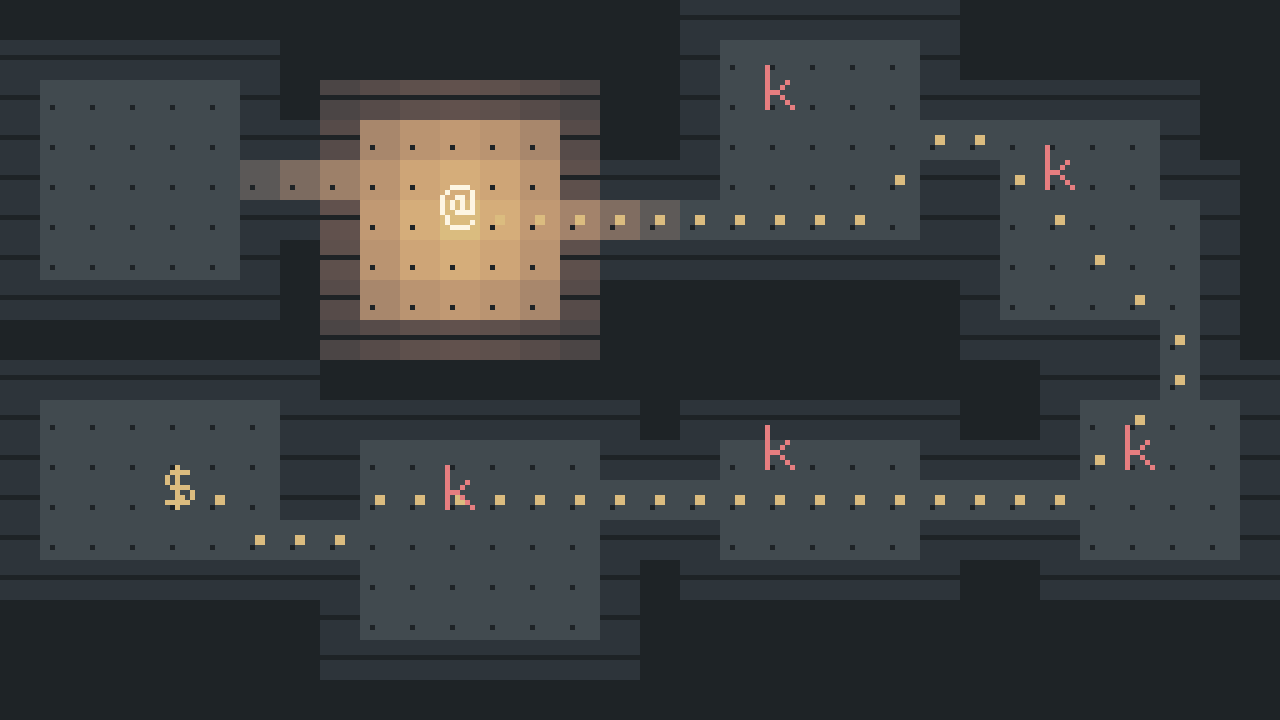
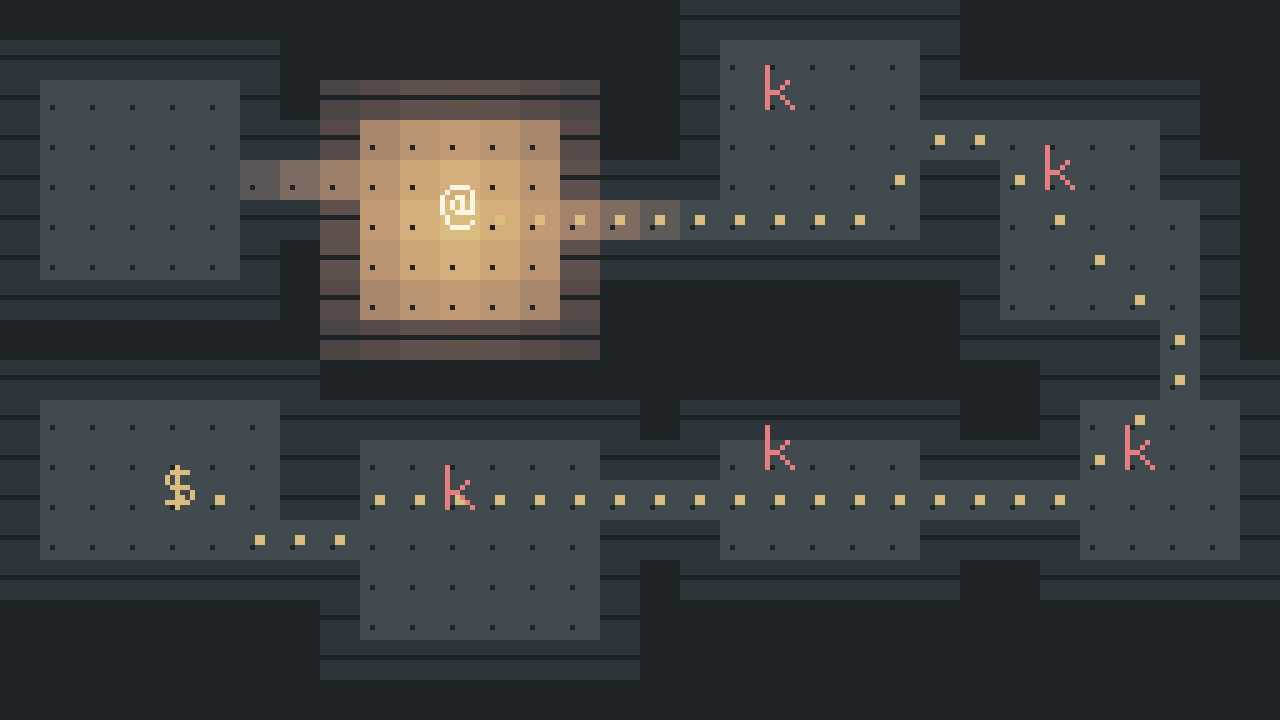
Give any grid pathfinding, field of view, Dijkstra maps, Voronoi regions, cellular automata and torchlight. Add seeded randomness, noise, and storage for saved games. Players can rebind their controls, and you can use up to 8 gamepads, with rumble.
Pages that compute
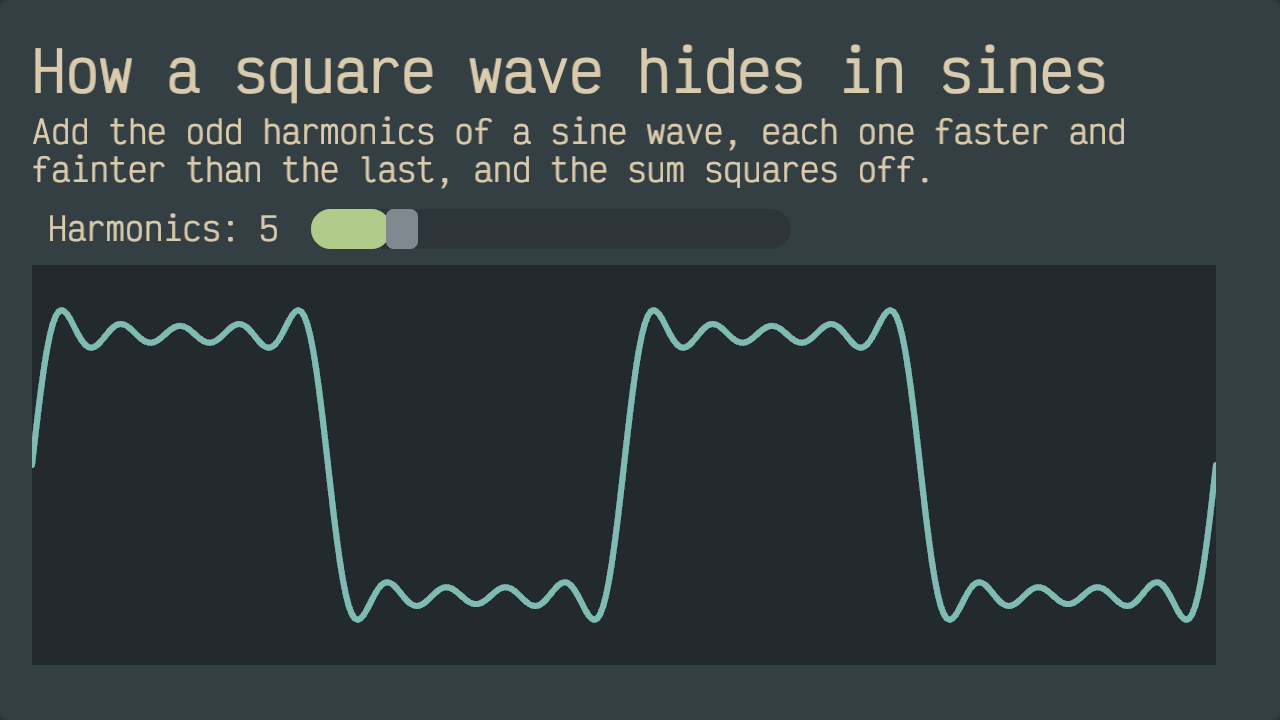
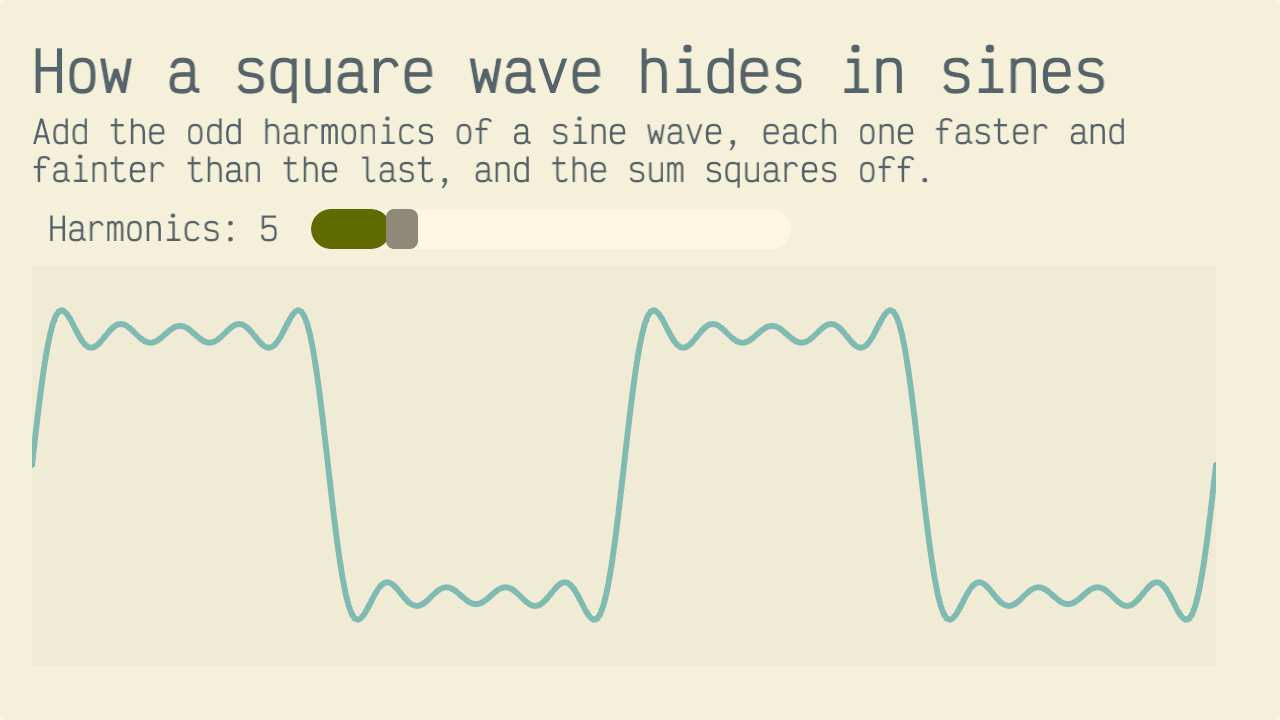
Write pages in Markdown and drop in charts, sliders, buttons or any other widget. Your Lua fills in their values. A code block can run hidden, or show its source as it runs. Join chapters into a book and teach a class with it.
Read the code behind each picture
Also in the same API
3D scenes
Load glTF models, a standard 3D format, and blend their animations. Add point, spot and sun lights with shadows, a skybox, and image-based lighting. Finish with bloom, fog and tonemapping. Sprites in a 3D world can switch between 8 sides as the camera circles them.
Particles
Particles glow with textures and additive blending. Send them out in bursts or steady streams, from a point, a sphere, a box or a cone. Gravity pulls them, and each one changes size and color over its life.
Physics
Give a drawn shape, sprite or 3D model a body, and it moves with the simulation. The 2D and 3D physics have joints, sensors, collision layers, forces and raycasts, and a character controller comes with them.
Audio
Synthesize sounds from waveforms, sequence notes and music patterns, or play recorded samples. Mix through named buses, such as one for music and one for effects. Fade volume and pitch, and place one-shot sounds in space.
Interface
Build it from buttons, sliders, text and number inputs, sortable tables, menus and popovers, plus pickers for dates, times and colors. Open and save buttons use your system's file dialogs. Pages and tabs stay just as people left them. Theme and translate your app.
Online together
Sign people in with their own accounts. Send messages to everyone running your app, see who else is there, and keep shared documents in step between their computers.
How you work
Save the file, see the change
A debugger, tests, coverage, a profiler and packaging come with the workstation app.
Reload as you save
Run your file with --watch, and every save redraws it. If a save doesn't compile, the last working version keeps running and the error is printed. Changed images, sounds and scenes swap in place, and your app keeps its state.
datumhue run --watch hello.luadatumhue stands for the program in your download. Get started has the full command for your system.
Your editor, fully typed
Every project comes with type definitions that match the DatumHue version you run. Any editor with the Lua language server gets completion and type checks for every call.
Breakpoints in your editor
Run an app or a test suite under your editor's debugger. Set breakpoints, including conditional ones, and logpoints. Step through your code, and inspect or change variables.
A test runner
Write describe-and-it tests that run inside the workstation. They wait for frames, press keys and move the pointer. Every run prints a seed, so you can repeat it with the same random numbers. Results come as TAP, a standard test format, and an HTML report.
Branch coverage
See which lines and branches your tests reach, file by file. Fail the run when coverage drops below a threshold, or export a standard file that coverage viewers read.
A profiler
Record any run or test suite and see where each frame's time went, function by function. Open the recording as a flame graph in a standard profile viewer, or read the HTML report. An app can show its frame budget and memory as it runs.
A live console
Start an app with a console attached and read or change its state while it runs. In watch mode, the console stays attached across reloads.
A project in one command
One command sets up an app, library, theme, book, dataset or template. The folder layout, editor setup and formatting rules are in place from the start. An app or library begins with a test that already passes.
Pack and share
Pack a creation and its files into one archive. Any DatumHue workstation app can run it.
Jobs without a window
Run a script with no window, for batch data work or automated checks in CI. A script that fails exits with an error code your pipeline can see.
The manual in every download
One searchable page holds the guide and every function of the version you run. It opens in your browser.
Read the manual (opens datumhue.dev)Which editions have them
Publish
Put your work in the datumhue.app store
People open what you publish in their browser, with nothing to install, or in the workstation app.
Claim your @name
Sign in with your Google account and claim an @name of your own. You decide who may publish under it.
Run your package server
Your work is served from a small package server you run on a computer that stays on. The registry manual sets it up step by step.
Push a version
One command publishes a version from your project folder. A published version never changes, so players get exactly what you tested. Push a new version to update.
Sell it, if you like
Mark a package paid and set its price. Buyers pay you through your own Stripe account. Each paid sale carries a 15% fee, plus Stripe's processing fees.
Share your work in #showcase on the DatumHue Discord (opens discord.gg). From time to time we send creators there a code that waives the monthly publishing price for as long as they publish.
What publishing costs Read the registry manual (opens datumhue.dev)
The language
One small language for all of it
One Lua API
Your update function runs every frame and can read keys, mouse, touch and gamepads. Timers and tweens animate values. Charts, pixels, 3D, sound and widgets share one set of rules, so a chart can sit inside a game, and a game inside a lesson.
Wait without callbacks
A call that waits for a file, a query or a timer just returns its answer, so the very next line can use it. Start several at once and wait for all of them together. Callbacks are for events, not results.
Data streams in
Opening a data table doesn't load it into memory. Query it with SQL, read the results column by column, or hand it to a chart. The chart draws what fits on screen and recomputes its summary of the data as you zoom.
A versioned API
Each project states the API version it needs, and DatumHue checks it before launch. Every release lists its API changes, breaking ones first.
Under the hood
Each app runs in its own space
A Lua error stops only its app
Several apps can run at once. When one app's Lua hits an error, that app stops and the others keep running. The log names the app that failed.
A runaway script slows only itself
Every app's Lua gets a fair share of each frame. A loop that never ends slows its own app and no other. An app waiting for a file or a timer uses nothing until the answer arrives.
Apps reach only what you hand them
An app opens only the files and folders it's given. If it starts other apps, they get no more access than it has. Each app runs in its own interpreter, with its own memory ceiling.
Start making things
All of this comes with the free workstation app. To share what you make with anyone, publish it on datumhue.app.
Free · No sign-up · Windows, macOS (Apple Silicon), Linux