
Chart your data, build games, teach, and sketch with code. One Lua API drives the whole canvas - charts, 3D, audio, physics, live shared documents. What you make is yours.
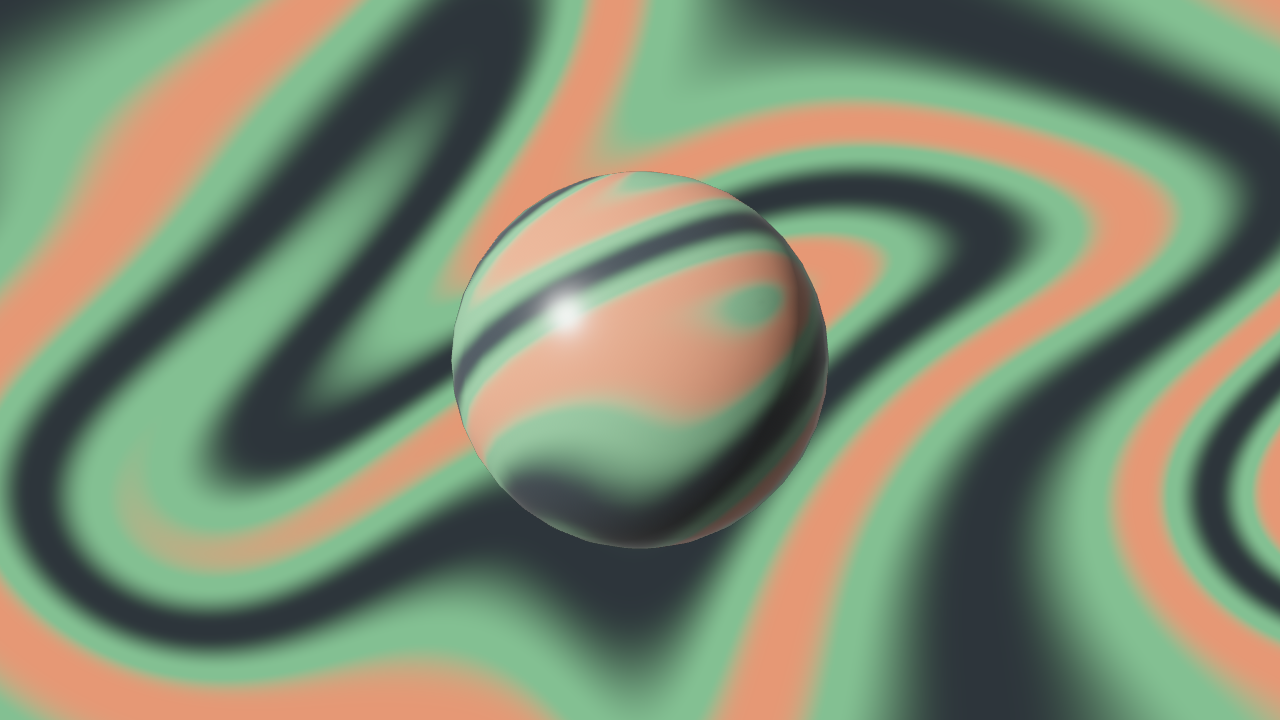
A phyllotaxis spiral from one loop -- the same math sunflowers use.
local color = datumhue.color
local vec3 = datumhue.math.vec3
local canvas = datumhue.draw.new({
width = 1200,
height = 720,
background = color("#2d353b"),
})
local palette = {
color("#a7c080"),
color("#83c092"),
color("#7fbbb3"),
color("#dbbc7f"),
color("#e69875"),
}
local golden = math.pi * (3 - math.sqrt(5))
for i = 1, 520dolocal angle = i * golden
local radius = 13.5 * math.sqrt(i)
canvas:circle({
pos = vec3(radius * math.cos(angle), radius * math.sin(angle), 1),
radius = 2.5 + i * 0.012,
color = palette[i % #palette + 1],
filled = true,
})
end
canvas:mount({ left = 40, top = 40, width = 1200, height = 720 })
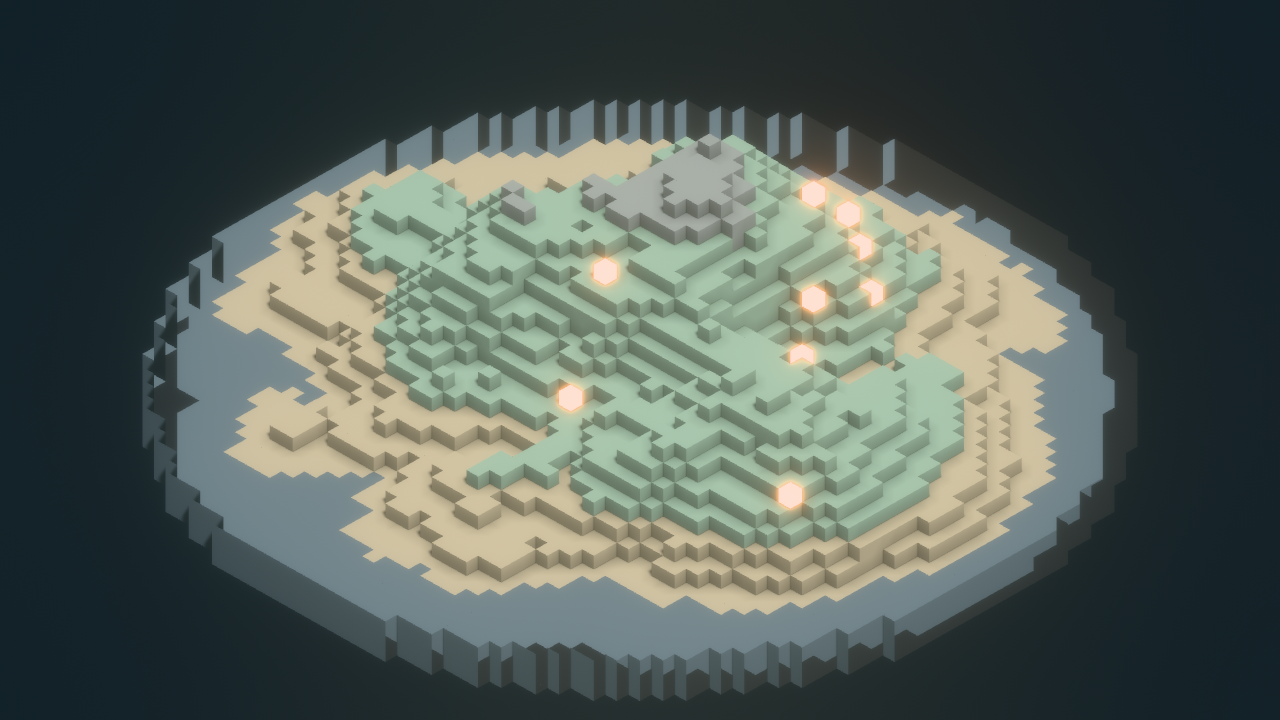
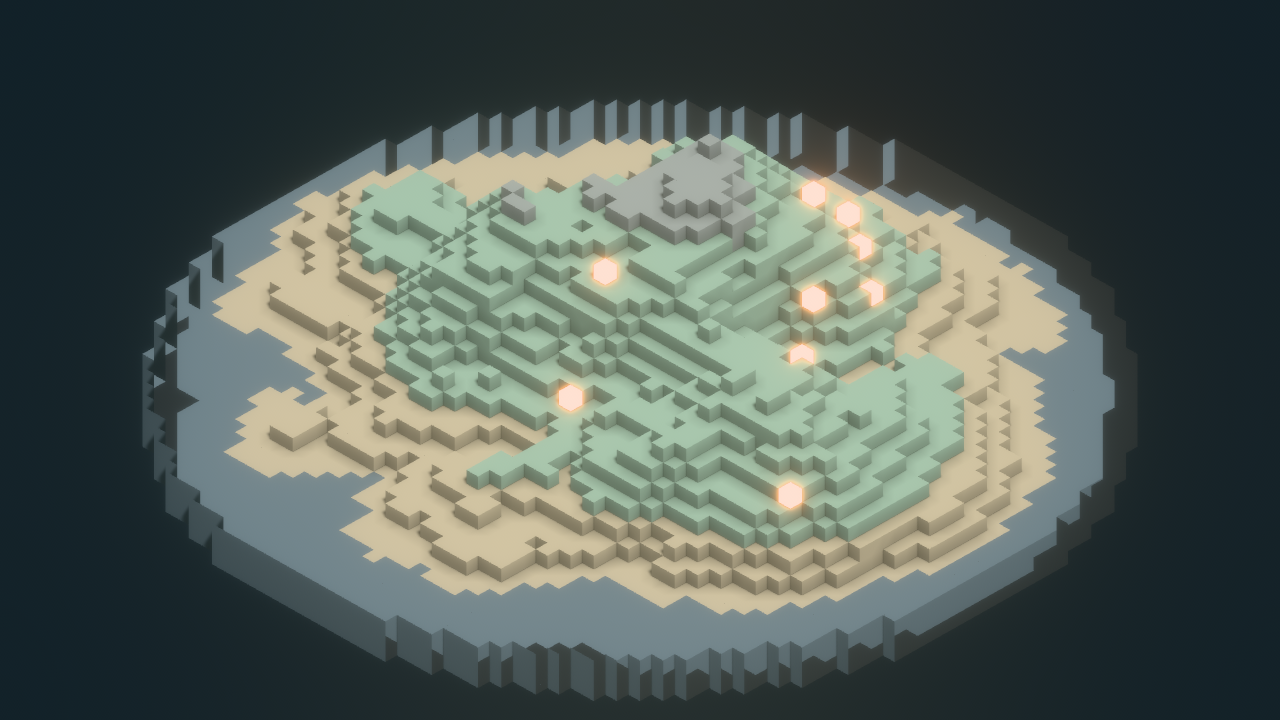
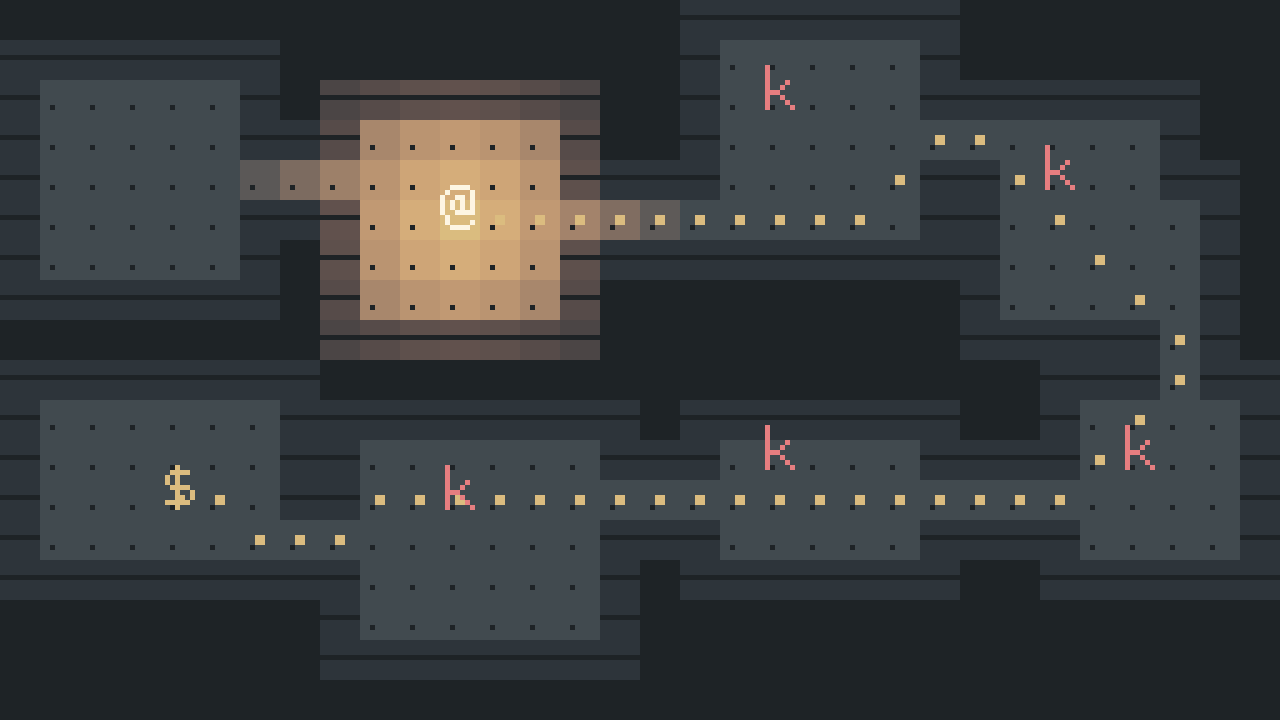
Roll a dungeon, light a torch
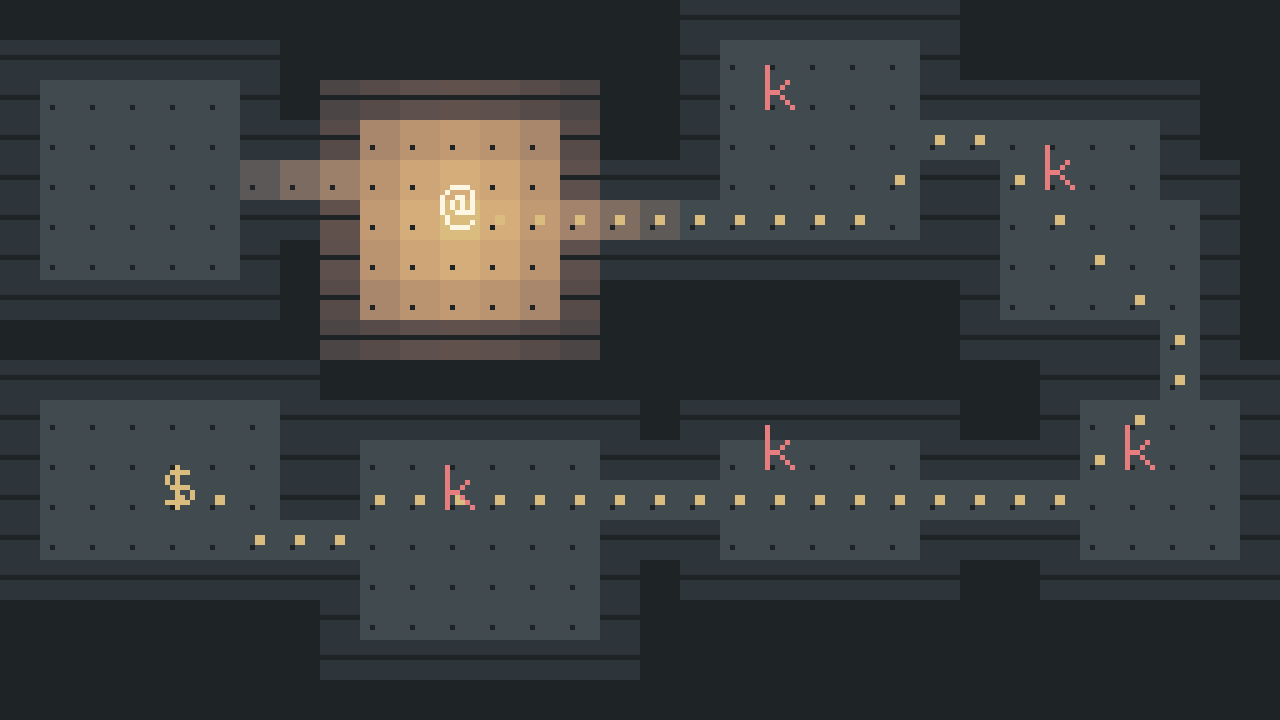
Dice carve the rooms, A* plots the route, field-of-view casts the torchlight, and a dialogue box asks the question.
local color = datumhue.color
local vec3 = datumhue.math.vec3
local cols, rows, cell = 34, 14, 32local map = datumhue.grid.new(cols, rows)
map:fill(1)
local dice = datumhue.random.new(77)
local rooms = {}
for _ = 1, 6dolocal w, h = dice:int(4, 8), dice:int(3, 5)
local x, y = dice:int(1, cols - w - 1), dice:int(1, rows - h - 1)
map:fill_rect(x, y, w, h, 0)
rooms[#rooms + 1] = { x = x + math.floor(w / 2), y = y + math.floor(h / 2) }
endfor i = 2, #rooms dolocal a, b = rooms[i - 1], rooms[i]
map:fill_rect(math.min(a.x, b.x), a.y, math.abs(a.x - b.x) + 1, 1, 0)
map:fill_rect(b.x, math.min(a.y, b.y), 1, math.abs(a.y - b.y) + 1, 0)
endlocal hero, hoard = rooms[1], rooms[#rooms]
local lit = {}
for _, c inipairs(map:field_of_view(hero.x, hero.y, { range = 7, opaque = { 1 } })) do
lit[c.y * cols + c.x] = trueendlocal path = map:find_path(hero.x, hero.y, hoard.x, hoard.y, { blocked = { 1 } })
local canvas = datumhue.draw.new({ width = 1200, height = 720, background = color("#232a2e") })
local ox, oy = -cols * cell / 2, 100 + rows * cell / 2localfunctionat(gx, gy, z)
returnvec3(ox + (gx + 0.5) * cell, oy - (gy + 0.5) * cell, z)
endfor y = 0, rows - 1dofor x = 0, cols - 1doif map:get(x, y) == 0thenlocal tone = lit[y * cols + x] and"#4f585e"or"#2d353b"
canvas:rect({
pos = at(x, y, 0) - vec3(cell / 2 - 1, cell / 2 - 1, 0),
width = cell - 2,
height = cell - 2,
color = color(tone),
})
endendendfor _, c inipairs(path) do
canvas:circle({ pos = at(c.x, c.y, 1), radius = 3.5, color = color("#dbbc7f") })
end
canvas:circle({ pos = at(hero.x, hero.y, 2), radius = 9, color = color("#a7c080") })
canvas:rect({
pos = at(hoard.x, hoard.y, 2) - vec3(8, 8, 0),
width = 16,
height = 16,
color = color("#e69875"),
})
datumhue.dialogue.ask("The hoard sleeps past the last arch. Carry the torch in?", {
{ label = "Light it", value = true },
{ label = "Go in dark", value = false },
}, function(torch)
datumhue.dialogue.say(torch and"The dark eats oil, not gold."or"Brave. Or blind.", "Keeper")
end, "Keeper")
local talk = datumhue.dialogue.current()
canvas:rect({ pos = vec3(-544, -300, 3), width = 1088, height = 132, color = color("#2d353b") })
canvas:text({
text = talk.speaker,
pos = vec3(-520, -186, 4),
font_size = 20,
color = color("#e69875"),
})
for i, line inipairs(talk.lines) do
canvas:text({
text = line,
pos = vec3(-520, -186 - i * 26, 4),
font_size = 20,
color = color("#d3c6aa"),
})
endfor i, label inipairs(talk.choices) dolocal picked = i == talk.selected
canvas:text({
text = (picked and"> "or" ") .. label,
pos = vec3(-520 + (i - 1) * 240, -264, 4),
font_size = 20,
color = picked andcolor("#a7c080") orcolor("#859289"),
})
end
canvas:mount({ left = 40, top = 40, width = 1200, height = 720 })
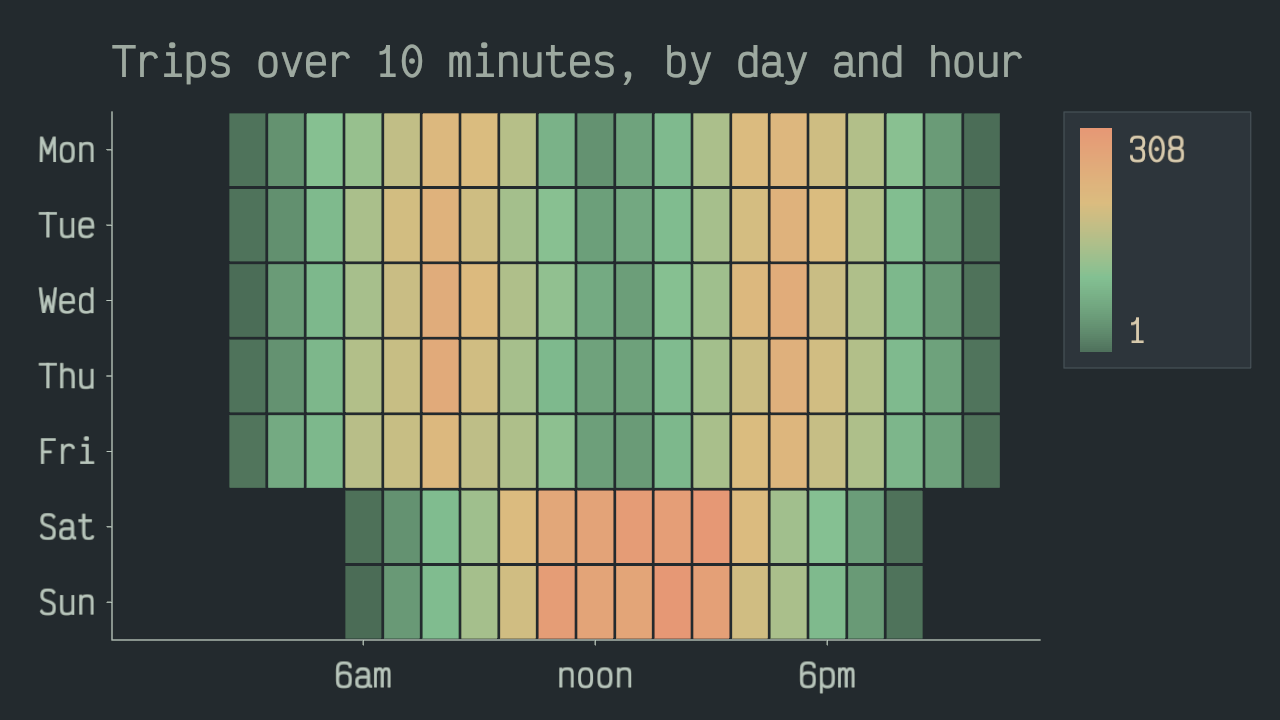
Teach with pages that compute
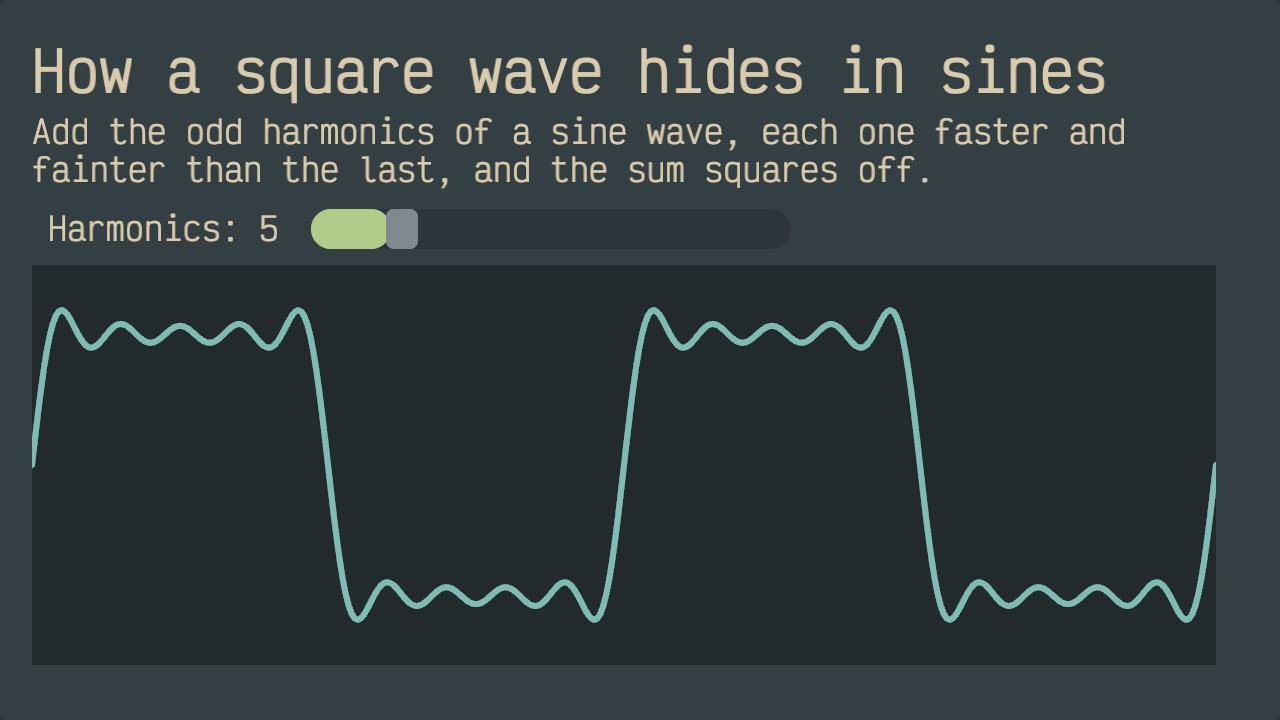
A book page that mixes prose with a chart drawn by the very code it teaches.
localfunctionharmonics(waves)
local pts = {}
for i = 0, 96dolocal x, y = i / 96 * 4 * math.pi, 0for k = 1, waves * 2, 2do
y = y + math.sin(k * x) / k
end
pts[#pts + 1] = string.format("point x=%.2f y=%.3f", x, y)
endreturn table.concat(pts, "\n")
endlocal lesson = string.format(
[[# How a square wave hides in sinesStack the odd harmonics of a sine wave - each one faster and fainterthan the last - and the sum starts to square off. Five terms in, thecorners are already showing.```kdlchart height=420 { line color="#859289" width=1 {%s } line color="#7fbbb3" width=3 {%s }}```> This page is a program: both lines above were computed by the loop> in its source. Raise `waves` to fifty and the corners turn sharp.]],
harmonics(1),
harmonics(5)
)
datumhue.bytes(lesson):book():mount({ left = 40, top = 40, width = 1200, height = 720 })
Why DatumHue
One language, the whole canvas
Charts, 3D scenes, voxels, particles, audio, physics, UI, and shared documents share one consistent Lua API. Learn it once and every kind of creation composes the same way - a chart can live inside a game, a game inside a lesson.
Data that answers back
Open a table, query it with SQL, stream the answers into charts, and explore by panning and zooming. Big datasets stay smooth - the workstation streams and downsamples instead of making your script hold everything.
Offline, and yours
The Personal and Indie editions run with no account and no connection. Nothing you make is transmitted, stored, or observable by anyone but you.
Many apps, one calm desktop
Run several creations side by side. Each is sandboxed, fairly scheduled, and billed for its own time - one busy or waiting app can't freeze the rest, and every capability is granted per program.
A studio's toolbox included
Typed editor autocomplete for the whole API, offline docs, a test runner with coverage, a profiler, breakpoint debugging from your editor, and a live console.
Together, live
Creations can open shared documents: everyone in one sees changes as they happen. Losing your connection never stops you - your edits merge back in when you return.
Every edition shares the same canvas and the same Lua API; they differ in what ships alongside the workstation and in what the license lets you do.
Personal
The desktop workstation, yours to keep.
$79 one-time
Free 14-day trial - no card, no account
Perpetual — yours to keep
For hobbyists and individuals creating for themselves.
One purchase, one person, the whole creative API - charts, 3D, particles, audio, UI, live documents - on a workstation that runs entirely offline. Every release published inside your five-year update window is yours to run forever. Try it free first: the trial is the full workstation, nothing held back.
What you get
The full desktop workstation, offline
Perpetual license - covered releases run forever
Five-year update window; extend it whenever you choose
For independent developers turning creations into products.
Everything in Personal, plus the right - and the tooling - to put your creation in customers' hands as a product of its own: package your Lua as license-bound bytecode, ship it with a freely redistributable runtime, and for multiplayer titles run the meeting point your players connect through. No accounts to operate, and none of our servers in the path.
What you get
Everything in Personal
Redistributable runtime to ship beside your creation
Sealed bytecode packaging - ship without shipping your source
For everyone - and for creators who want an audience.
The browser workstation is free for everyone, no license needed - open it and run everything the platform's creators publish. Creating your own happens on the platform desktop workstation - a perpetual license that always runs the latest release. Publish as a creator and the subscription connects your own package registry to the platform, putting everything you publish in front of every user for as long as you're subscribed.
What you get
Run everything free in the browser - no license needed
$39 desktop workstation, always the latest release
$19/mo creator registry, seen by every platform user
Cancel publishing anytime; the desktop license stays yours
For organizations running the networked platform themselves.
Deploy the platform on infrastructure you control - self-hosted or fully air-gapped - and connect it to what you already run: file shares your people author against from any workstation, databases and data files queried live with SQL, curated web services and event feeds, and sign-in through your own identity provider. Licensed by concurrent seats, sized to your deployment.
What you get
The complete networked platform, self-hosted or air-gapped
File shares and databases as live, SQL-queryable mounts
Single sign-on through your identity provider
An internal app registry for what your teams publish
Your license never expires. Every release published inside your update window is yours to run forever, offline, with no further payment. What ends after five years is the entitlement to newer releases - never your access to what you already have.
What happens when my update window ends?
Nothing changes for anything you already run: releases from inside your window keep working forever. To run releases published after it, purchase a new window whenever you choose - each runs five years from its own purchase date, and your license identity carries over, so installs, shipped creations, and their data are untouched.
How does the free trial work?
Enter your email and we send you a license that unlocks the full Personal workstation for 14 days - no card, no account. When the trial ends your work stays where it is, and a purchased license picks up exactly where you left off. One trial per email address.
Personal or the Platform desktop - which one do I want?
Personal is fully offline: no platform connection, a five-year update window, and yours even if you never connect to anything. The Platform desktop is the connected counterpart: cheaper, always the latest release, with its content coming from the platform - so it needs the platform to be reachable. If you want the workstation that is entirely yours, pick Personal; if you live in the platform's package ecosystem, pick the Platform desktop.
Can a team share one Personal license?
No - one purchase covers one person, on any number of their own machines. A team or organization may have at most five contributors using DatumHue under individual licenses; past that, the enterprise agreement is the right home. The exact terms are in the license texts on the licenses page.
What do my players need if I ship a game with Indie?
Nothing from us. Your creation ships with a freely redistributable runtime bound to your license, and your players run it like any other program - no DatumHue purchase, no account, no connection to our infrastructure.
Where do I download it, and where do I report problems?
Desktop downloads are published on our GitHub releases page (github.com/datumhue/datumhue) - the launcher then keeps your install current with signed, verified updates. Problems and ideas go to the issue tracker on the same repository; both are linked in the footer.
Are licenses refundable?
A license is delivered the moment you check out, and at checkout you request immediate delivery and waive the distance-selling withdrawal period - so a delivered license is not refundable as a change of mind. Statutory remedies for a defective product are unaffected. The free trial exists so you can be sure before you buy.